 060a422c7e
|
||
|---|---|---|
| .github | ||
| book | ||
| contrib | ||
| docs | ||
| helix-core | ||
| helix-dap | ||
| helix-lsp | ||
| helix-syntax | ||
| helix-term | ||
| helix-tui | ||
| helix-view | ||
| runtime | ||
| .envrc | ||
| .gitignore | ||
| .gitmodules | ||
| CHANGELOG.md | ||
| Cargo.lock | ||
| Cargo.toml | ||
| LICENSE | ||
| README.md | ||
| TODO.md | ||
| flake.lock | ||
| flake.nix | ||
| languages.toml | ||
| rustfmt.toml | ||
| screenshot.png | ||
| shell.nix | ||
| theme.toml | ||

README.md
Helix

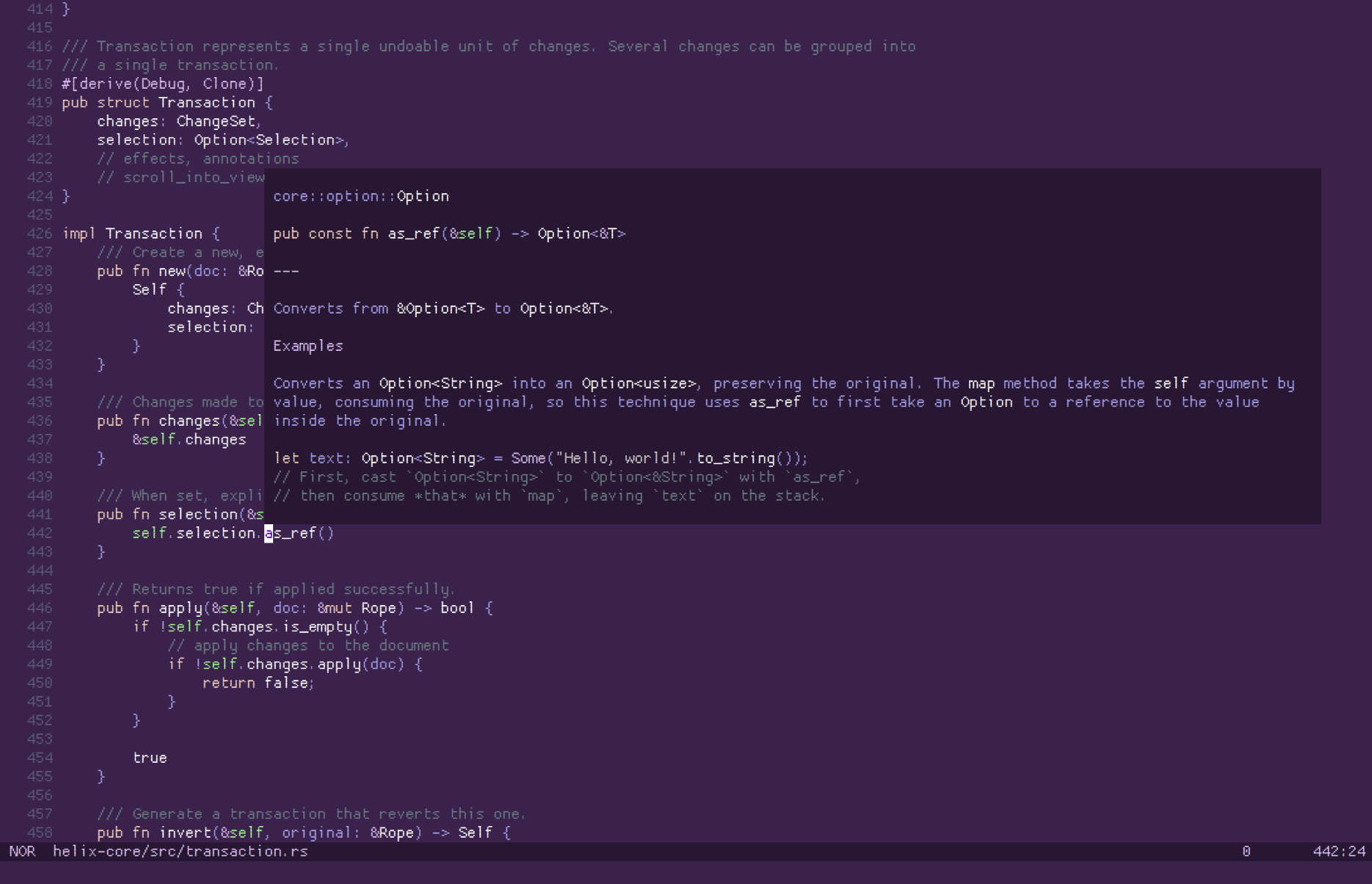
A kakoune / neovim inspired editor, written in Rust.
The editing model is very heavily based on kakoune; during development I found myself agreeing with most of kakoune's design decisions.
For more information, see the website or documentation.
All shortcuts/keymaps can be found in the documentation on the website.
Features
- Vim-like modal editing
- Multiple selections
- Built-in language server support
- Smart, incremental syntax highlighting and code editing via tree-sitter
It's a terminal-based editor first, but I'd like to explore a custom renderer (similar to emacs) in wgpu or skulpin.
Installation
Note: Only certain languages have indentation definitions at the moment. Check
runtime/queries/<lang>/ for indents.toml.
We provide packaging for various distributions, but here's a quick method to build from source.
git clone --recurse-submodules --shallow-submodules -j8 https://github.com/helix-editor/helix
cd helix
cargo install --path helix-term
This will install the hx binary to $HOME/.cargo/bin.
Helix also needs it's runtime files so make sure to copy/symlink the runtime/ directory into the
config directory (for example ~/.config/helix/runtime on Linux/macOS). This location can be overriden
via the HELIX_RUNTIME environment variable.
Packages already solve this for you by wrapping the hx binary with a wrapper
that sets the variable to the install dir.
NOTE: running via cargo also doesn't require setting explicit
HELIX_RUNTIMEpath, it will automatically detect theruntimedirectory in the project root.

MacOS
Helix can be installed on MacOS through homebrew via:
brew tap helix-editor/helix
brew install helix
Contributing
Contributors are very welcome! No contribution is too small and all contributions are valued.
Some suggestions to get started:
- You can look at the good first issue label on the issue tracker.
- Help with packaging on various distributions needed!
- To use print debugging to the
~/.cache/helix/helix.logfile, you must:- Print using
log::info!,warn!, orerror!. (log::info!("helix!")) - Pass the appropriate verbosity level option for the desired log level. (
hx -v <file>for info, morevs for higher severity inclusive)
- Print using
- If your preferred language is missing, integrating a tree-sitter grammar for it and defining syntax highlight queries for it is straight forward and doesn't require much knowledge of the internals.
We provide an architecture.md that should give you a good overview of the internals.
Getting help
Discuss the project on the community Matrix Space (make sure to join #helix-editor:matrix.org if you're on a client that doesn't support Matrix Spaces yet).